
PIQSY Compare
Apple iPad Air (M4) vs Apple iPad Pro (M5)
Compare iPad Air M4 and iPad Pro M5 by display, performance tier, Pencil Pro, wired connectivity, size, glass options and buyer fit.
The choice that matters
Choose iPad Air for capable everyday productivity.
Choose iPad Pro for its premium screen and creative features.

Decision snapshot
Start with how you’ll use it.
Apple
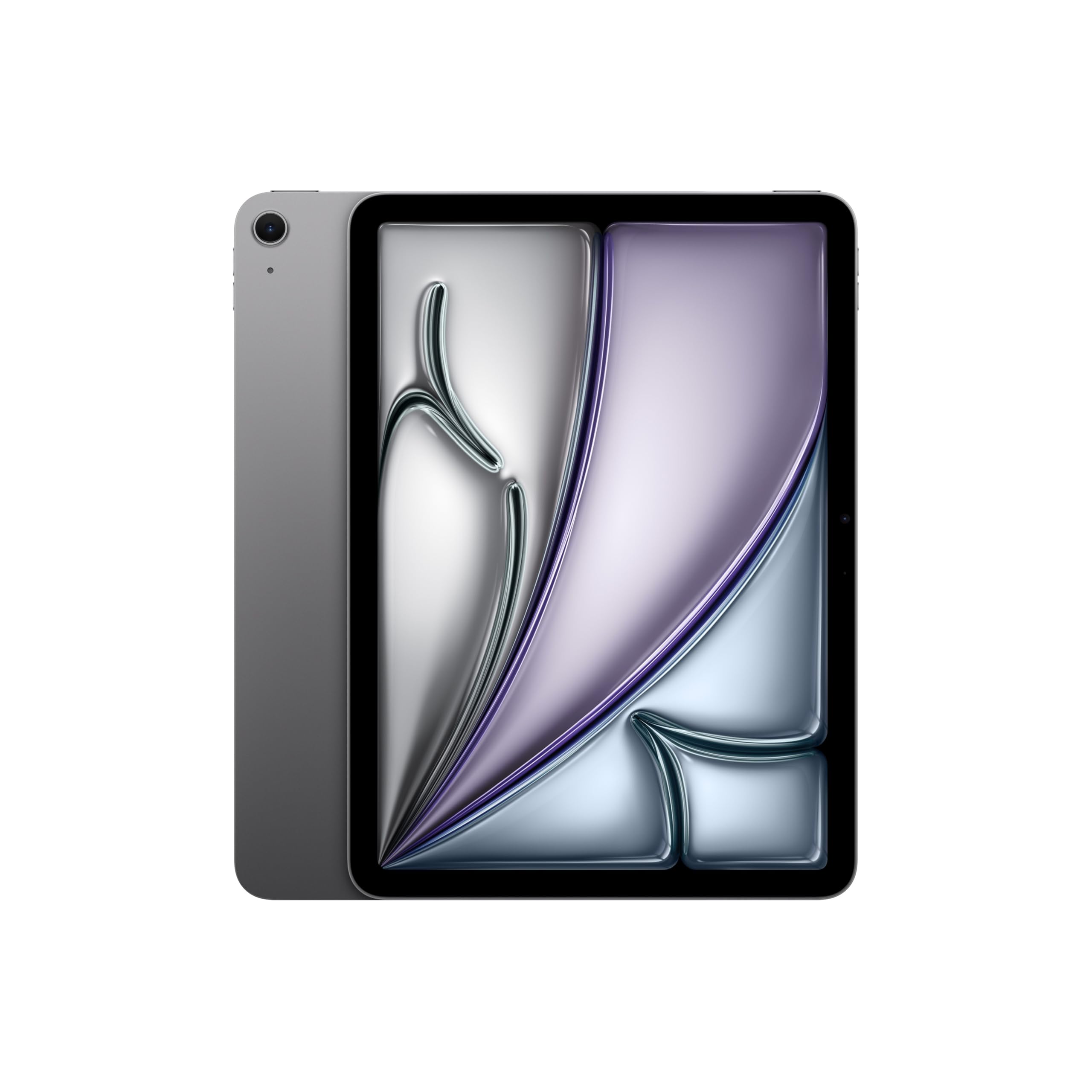
Apple iPad Air (M4)
Best fit: High-end mainstream iPad creativity and productivity
Biggest reason: M4 chip with 12GB unified memory
Main compromise: Apple Pencil Pro and Magic Keyboard are separate purchases
Last checked price
$987 AUD
About 21% below recent prices
Apple
Apple iPad Pro (M5)
Best fit: Pro display and high-bandwidth specialist workflows
Biggest reason: Ultra Retina XDR Tandem OLED display with ProMotion 10-120Hz
Main compromise: Apple Pencil Pro and Magic Keyboard are separate purchases
Last checked price
$1,999 AUD
Close to prices we've seen recently
Lowest recorded $1,829.00 · 31 Aug
Key metrics
The measurable differences worth seeing side by side.
Bar length shows relative stated magnitude only. It is not a quality score or PIQSY rating.
Reference storage
128 GB
256 GB
Weight
464 g
444 g
Key differences
The key differences at a glance.
These confirmed specifications differ. The advice below explains which ones matter for your needs.
11-inch 2360x1640 Liquid Retina IPS, 264ppi, 500 nits, P3, fully laminated with antireflective coating
11-inch Ultra Retina XDR Tandem OLED, 2420x1668 at 264 ppi, ProMotion 10-120Hz, P3, True Tone, 1000-nit SDR/XDR full-screen and 1600-nit peak HDR
Apple M4 with 8-core CPU, 9-core GPU and 16-core Neural Engine
Apple M5; 256GB/512GB models use 9-core CPU, 10-core GPU, 16-core Neural Engine, 153GB/s memory bandwidth and 12GB unified memory
128GB exact reference; family storage options vary by configuration; no microSD expansion
256GB reference configuration; family options 256GB/512GB/1TB/2TB
464g for 11-inch Wi-Fi model
444g Wi-Fi 11-inch reference family
Wi-Fi 7
Apple N1; Wi-Fi 7 with 2x2 MIMO; Bluetooth 6; Thread
Wi-Fi exact reference; Wi-Fi + Cellular family variants with 5G/eSIM are sold separately
Wi-Fi reference configuration; Wi-Fi + Cellular family variants add 5G and eSIM


What matters when choosing
What you'll actually notice
The iPad Air M4 already covers a large part of high-end iPad use. On PIQSY's version we checked it gives you an M-series processor, 12GB unified memory, Apple Intelligence, Apple Pencil Pro support, a laminated P3 display and external-display support up to 6K60. That means the Pro should not be treated as the default "better" choice simply because it sits above Air in Apple's range.
The iPad Pro M5 earns the step-up when one of its specialist capabilities materially changes the work: Tandem OLED with ProMotion, Thunderbolt/USB 4, LiDAR, Apple Pencil hover or a specific Pro display requirement. Those are concrete reasons. Generic prestige or an assumption that all Pro configurations have more memory are not.
In everyday use, both are very capable 11-inch iPads. The decision becomes much clearer when you ask which Pro-only feature you would actually notice every week.
What changes the choice
Is the display itself part of the job?
The 11-inch Air M4 reference uses a 2360×1640 Liquid Retina IPS display at 264ppi and 500 nits, with P3 colour, full lamination and an antireflective coating.
The 11-inch Pro M5 uses 2420×1668 Ultra Retina XDR Tandem OLED at 264ppi, with 10–120Hz ProMotion, up to 1,000 nits maximum SDR/full-screen XDR brightness, up to 1,600 nits peak HDR brightness and a 2,000,000:1 contrast ratio.
What this means: Pro gives you a genuinely different display class for HDR work, OLED contrast, high refresh and display-led creative use. Air remains a strong laminated IPS screen rather than a compromised basic panel.
Switch when: choose Pro when display quality, HDR or ProMotion is a real requirement. Stay with Air when its P3 laminated IPS panel already fits your work.
Are you assuming the 256GB Pro has more memory?
PIQSY's Air M4 reference uses M4 with an 8-core CPU, 9-core GPU and 12GB unified memory. The 256GB Pro M5 reference uses M5 with a 9-core CPU, 10-core GPU and 12GB unified memory.
Apple's higher-storage 1TB and 2TB Pro configurations move to a 10-core CPU and 16GB unified memory, but those specifications do not belong to PIQSY's 256GB MDWK4X/A reference.
What this means: the Pro has the newer chip tier, but both exact references have 12GB RAM. Do not justify the Pro on a 16GB assumption that only applies to other configurations.
Switch when: let processor tier matter when your workload also benefits from the Pro's wider capability set. If your work already runs comfortably on Air, the memory figure does not force an upgrade.
Do you need Pencil Pro, or Pro-specific pen behaviour?
Both references support Apple Pencil Pro, and neither includes a Pencil in the box. The Pro also supports Apple Pencil hover.
What this means: Pencil Pro compatibility alone is not a reason to move from Air to Pro. Air already gives you that accessory path. The question is whether Pro-specific display/hover behaviour matters to your drawing or design workflow.
Switch when: choose Pro for a pen workflow that specifically benefits from its display and hover capability. Choose Air when Pencil Pro itself is the main requirement.
Is Thunderbolt part of your desk workflow?
Air supports USB 3 up to 10Gbps, DisplayPort and one external display up to 6K at 60Hz.
Pro supports Thunderbolt 3/USB 4 up to 40Gbps, USB 3 up to 10Gbps and one external display up to 6K60 or 5K120.
What this means: Pro has a much higher I/O ceiling for repeated large media transfers, high-bandwidth storage and more demanding display setups. For ordinary accessories and a 6K60 external display, Air is already capable.
Switch when: move to Pro when Thunderbolt bandwidth is part of your normal workflow. Stay with Air when USB 3 and 6K60 support are already enough.
Are you expecting nano-texture on this 256GB Pro?
PIQSY's MDWK4X/A 256GB Pro uses standard glass. Apple limits nano-texture display glass to 1TB and 2TB M5 iPad Pro configurations.
What this means: nano-texture is not a hidden benefit of the exact Pro on this page. Wanting it changes the configuration and therefore the exact product and commerce comparison.
Switch when: if nano-texture is mandatory, step out of this pairing and compare an eligible 1TB/2TB Pro configuration.
Does portability separate them?
The 11-inch Air Wi-Fi model weighs 464g. The 11-inch Pro Wi-Fi model weighs 444g.
What this means: the Pro is slightly lighter despite its more advanced display. The 20g difference is real but should not be the main reason to pay for specialist Pro hardware unless every gram matters.
Both families also offer 13-inch variants. If you need a larger canvas, that size decision should be made explicitly rather than assuming the 11-inch comparison answers it.
Are you comparing Wi-Fi like for like?
PIQSY's MH304X/A Air and MDWK4X/A Pro references are Wi-Fi configurations. Both families also have cellular variants. Neither version we checked includes Apple Pencil or Magic Keyboard.
What this means: accessory support is not bundle inclusion, and Wi-Fi pricing does not satisfy a cellular requirement.
Switch when: verify the exact cellular or accessory configuration before using those requirements to decide between families.
The practical choice
Choose iPad Air M4 when you want a high-capability iPad and its M-series performance, Apple Intelligence, Pencil Pro support, laminated P3 screen and USB 3/external-display workflow already meet the job. That is a very high baseline.
Choose iPad Pro M5 when you can name the specialist capability that changes the work: Tandem OLED and ProMotion for the visual workflow, Thunderbolt for high-bandwidth desk use, LiDAR for relevant capture/AR tasks, or Pro-specific pen/display behaviour.
The Pro is easiest to justify when one of those features removes a real constraint. If none does, the Air is not a consolation prize; it is the more coherent way to avoid paying for unused ceiling.
When to choose iPad Air M4
- M-series performance, Apple Intelligence and Pencil Pro already cover the core requirements.
- The laminated P3 IPS display is sufficient.
- USB 3 up to 10Gbps and 6K60 external-display support meet the desk workflow.
- ProMotion, Tandem OLED, LiDAR and Thunderbolt are not hard requirements.
When to choose iPad Pro M5
- Tandem OLED, HDR capability or 10–120Hz ProMotion materially improves the visual workflow.
- Thunderbolt/USB 4 bandwidth is part of repeated desk or media work.
- LiDAR or Apple Pencil hover is relevant to the intended job.
- You can identify a Pro-only requirement rather than relying on product hierarchy.
Choose neither when
Choose neither if you require Windows desktop software. If your use is mainly browsing, streaming, schoolwork and occasional notes, also consider iPad A16 before paying for either higher tier.
If nano-texture is mandatory, compare an eligible 1TB/2TB Pro rather than this 256GB reference.
PIQSY conclusion
Choose iPad Air M4 when its M-series platform already covers the work. Choose iPad Pro M5 when Tandem OLED/ProMotion, Thunderbolt, LiDAR or another genuinely Pro-specific capability materially changes the job.
The Pro is not simply a faster Air. Its strongest case is specialist capability the Air does not need to imitate.
Final choice
Choose the one that fits your needs.
Apple
Apple iPad Air (M4)
Choose when: High-end mainstream iPad creativity and productivity
Last checked price
$987 AUD
About 21% below recent prices
Apple
Apple iPad Pro (M5)
Choose when: Pro display and high-bandwidth specialist workflows
Last checked price
$1,999 AUD
Close to prices we've seen recently
Lowest recorded $1,829.00 · 31 Aug
Specifications
Compare the full specifications.
Specifications
Compare the full specifications.
128GB storage exact reference
Unverified
Unverified
Unverified
Unverified
Unverified
IPADOS
IPADOS
11-inch 128GB Wi-Fi Space Grey
MDWK4X/A, 11-inch, 256GB, Wi-Fi, Space Black, standard glass
11-inch 2360x1640 Liquid Retina IPS, 264ppi, 500 nits, P3, fully laminated with antireflective coating
11-inch Ultra Retina XDR Tandem OLED, 2420x1668 at 264 ppi, ProMotion 10-120Hz, P3, True Tone, 1000-nit SDR/XDR full-screen and 1600-nit peak HDR
Apple M4 with 8-core CPU, 9-core GPU and 16-core Neural Engine
Apple M5; 256GB/512GB models use 9-core CPU, 10-core GPU, 16-core Neural Engine, 153GB/s memory bandwidth and 12GB unified memory
12GB unified memory
Unverified
128GB exact reference; family storage options vary by configuration; no microSD expansion
256GB reference configuration; family options 256GB/512GB/1TB/2TB
464g for 11-inch Wi-Fi model
444g Wi-Fi 11-inch reference family
Wi-Fi 7
Apple N1; Wi-Fi 7 with 2x2 MIMO; Bluetooth 6; Thread
Wi-Fi exact reference; Wi-Fi + Cellular family variants with 5G/eSIM are sold separately
Wi-Fi reference configuration; Wi-Fi + Cellular family variants add 5G and eSIM
Supports Apple Pencil Pro and Apple Pencil (USB-C); Pencil sold separately
Supports Apple Pencil Pro and Apple Pencil (USB-C), including Apple Pencil hover
Supports Magic Keyboard for iPad Air; keyboard sold separately
Supports Magic Keyboard for iPad Pro
USB-C with USB 3 up to 10Gbps and DisplayPort
Thunderbolt/USB 4 up to 40Gbps; DisplayPort
One external display up to 6K at 60Hz
One external display up to 6K at 60Hz or 5K at 120Hz
Yes
Unverified
Unverified
12MP Wide rear with adaptive True Tone flash; landscape 12MP Center Stage TrueDepth front
Unverified
31.29Wh on 11-inch; Apple rates up to 10 hours web browsing on Wi-Fi or video playback
Unverified
No
Unverified
No
Unverified
Yes
Unverified
Yes
Unverified
Yes
Unverified
Optional only on 1TB and 2TB configurations
Keep comparing
Related comparisons worth checking.
Still not clear?
Let your own priorities break the tie.
Keep Exploring
How we checked this
See the Australian models and sources PIQSY checked for this page.
How we checked this
See the Australian models and sources PIQSY checked for this page.
How we checked this
How PIQSY checked this page
We checked the Australian model and dated manufacturer or retailer sources rather than borrowing specifications from an overseas variant.
Australian model checked
2 Australian models checked
Sources used
Manufacturer · Amazon AU · Australian retailer
Sources checked through 1 Sept 2026
Last checked
2 Sept 2026
Current price and availability are checked separately where shown.
Hands-on testing: PIQSY has not physically tested this product for this page unless hands-on testing is explicitly disclosed.
What we could and couldn’t verify: If specifications conflict, cannot be matched to the Australian variant or cannot be confirmed, we leave them unresolved rather than guessing. Owner feedback is shown only when we can attribute it to the product we checked.
See models and source details
- Apple iPad Air (M4): 11-inch 128GB Wi-Fi Space Grey
- Apple iPad Pro (M5): MDWK4X/A, 11-inch, 256GB, Wi-Fi, Space Black, standard glass
Sources used
- Manufacturer · apple.com · Apple iPad Air (M4) · checked 31 Aug 2026
- Manufacturer · support.apple.com · Apple iPad Air (M4) · checked 31 Aug 2026
- Manufacturer · apple.com · Apple iPad Air (M4) · checked 31 Aug 2026
- Amazon AU · amazon.com.au · Apple iPad Air (M4) · checked 31 Aug 2026
- Australian retailer · thegoodguys.com.au · Apple iPad Air (M4) · checked 31 Aug 2026
- Manufacturer · apple.com · Apple iPad Pro (M5) · checked 31 Aug 2026
- Australian retailer · jbhifi.com.au · Apple iPad Pro (M5) · checked 31 Aug 2026
- Australian retailer · thegoodguys.com.au · Apple iPad Pro (M5) · checked 31 Aug 2026
- Amazon AU · amazon.com.au · Apple iPad Pro (M5) · checked 1 Sept 2026